How ClearaScan works
Tell ClearaScan what you want to look out for. Point your camera at the ingredient label.
ClearaScan checks what it can read against your Ingredient Guard and shows you anything that needs your attention. You check the original label. You make the decision.
First, make it yours
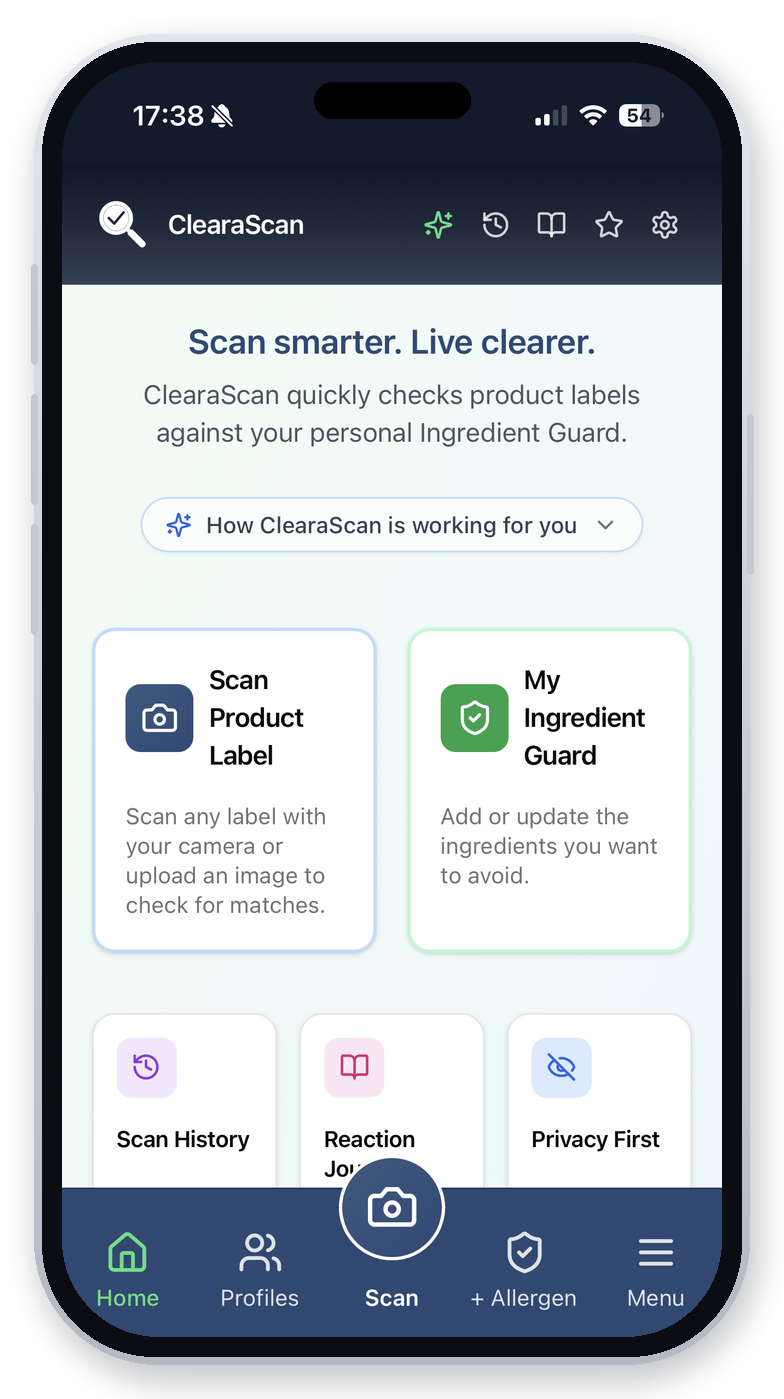
Your Ingredient Guard is your personal list of ingredients and names you want ClearaScan to check for.
Add what's important to you, remove what isn't, and change it whenever you need to.
Then every time you scan, ClearaScan knows what you're looking for.
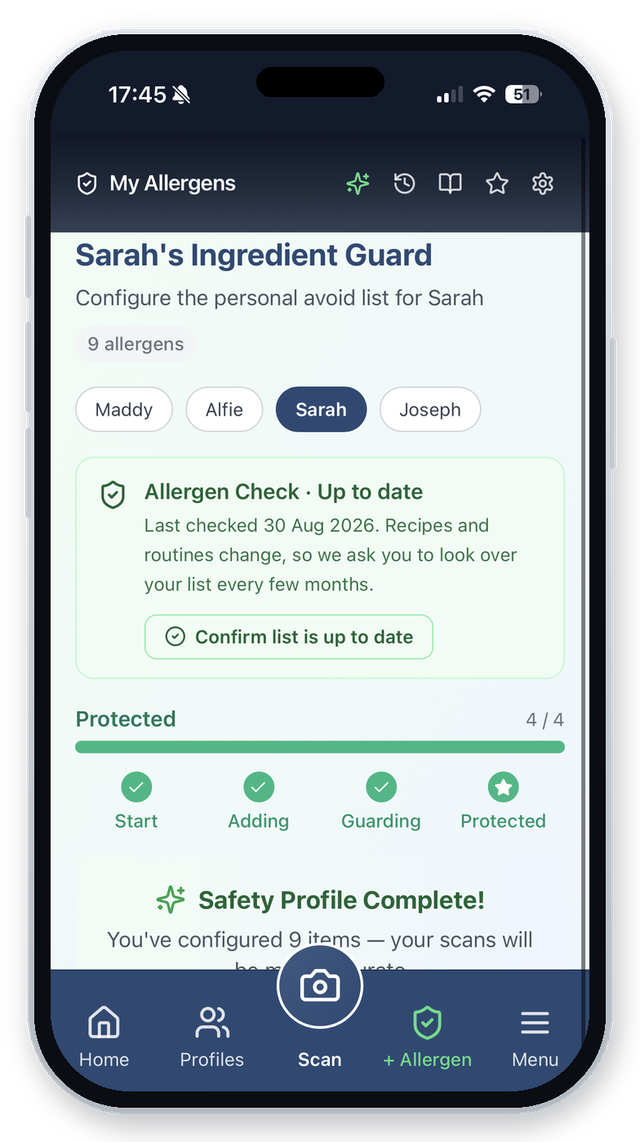
Choose what you want ClearaScan to look for.
Add relevant alternative names you want checked too.
Your rules aren't fixed. Keep them personal to you.
Then it's as simple as scan, check, review

No barcode needed. ClearaScan reads the printed ingredient list on the product you're actually holding.
Start with what's actually on the pack.
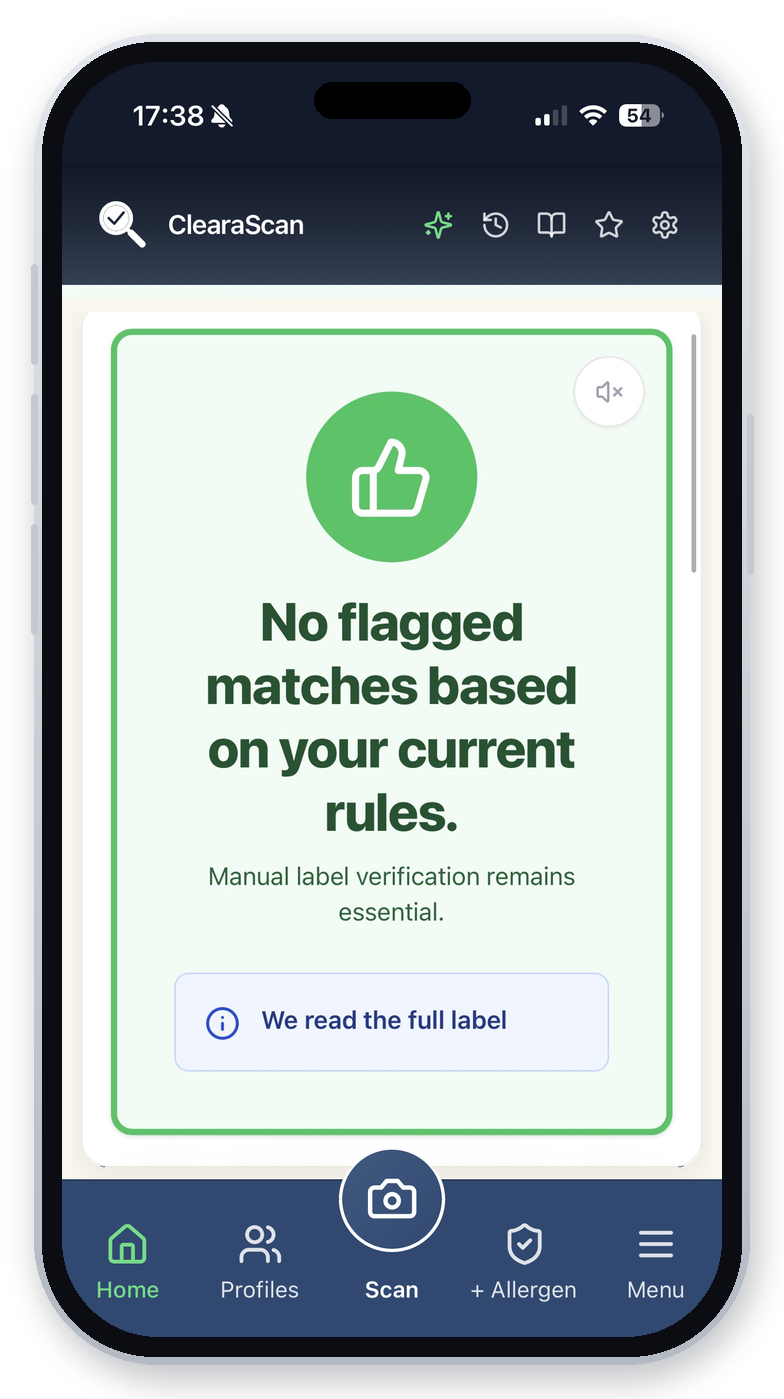
The ingredient text ClearaScan can read is compared with your Ingredient Guard. If it identifies a match, it shows you what it found and where you need to look.
You’ll see one of three results: Clear, Avoid or Not fully verified.
Review anything ClearaScan has flagged alongside the original ingredient label.
ClearaScan doesn't decide whether a product is safe or suitable for you. It helps you see what matters so you can make your own decision.
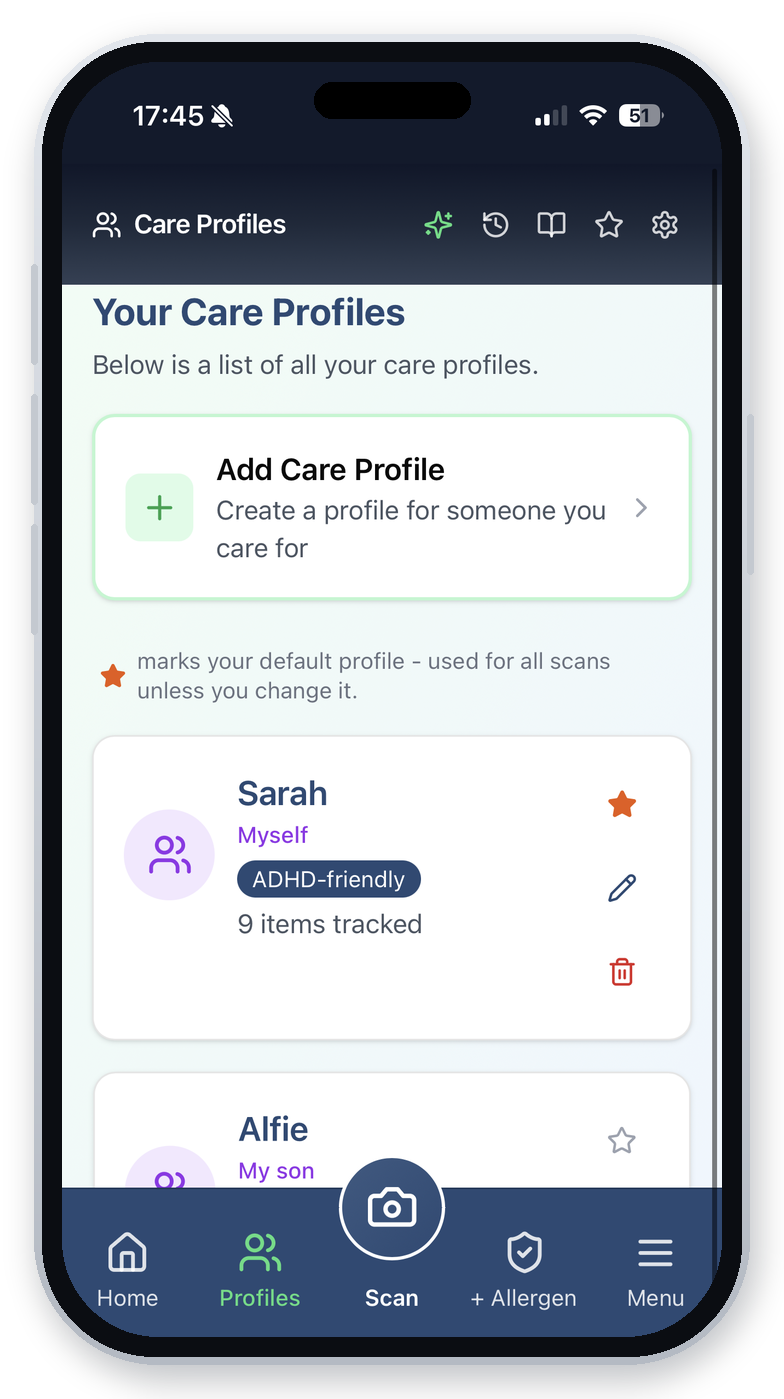
Checking for someone else?
Your Ingredient Guard might be completely different from your child's, your partner's or your parent's.
That's why each person you look after can have their own ClearaScan profile. Before you scan, simply choose who the product is for. ClearaScan checks against their rules and keeps the scan with their profile.
Already scanned something? Use Also check for to check the same label for someone else, without taking another photo.
A scan isn't the end of the story
“What was it I reacted to last time?”
Record how a product went, from No Issues to a significant reaction, so you have your own history to look back on instead of relying on memory.
“I know I've used this before…”
Keep track of products you've previously chosen and used, so you don't have to start from scratch every time.
“Can you check this for me?”
Let someone you trust use your Ingredient Guard when they're helping shop for you. Your invite history shows every invite sent, accepted and revoked.
You don't have to start from scratch
If you're managing something like Coeliac disease, IBS, migraine or another supported condition, ClearaScan can give you a starting list of ingredients commonly associated with it.
The suggestions are based on recognised health and specialist sources. Look through them. Choose what's relevant. Make the Ingredient Guard yours.
Built to be careful
ClearaScan doesn't fill in the blanks.
Tiny print. Poor lighting. A curved bottle. A damaged label. Sometimes a camera simply can't read everything clearly. When ClearaScan can't read the whole ingredient list, it never shows Clear. You'll see Not fully verified and a prompt to add another photo of the missing part, and ClearaScan combines the photos into one check.
ClearaScan is designed to tell you when a scan needs another look rather than quietly presenting an unclear scan as complete.
Your needs can change. ClearaScan periodically reminds you to review each person's Ingredient Guard and make sure their rules are still right for them.
ClearaScan is an additional checking tool. Always review the original ingredient label before deciding whether to use a product.
Checking a label abroad?
If the label isn't in English, ClearaScan translates the ingredient list into English, shows it to you and checks it against your Ingredient Guard, just as it would at home. A note tells you which language the label was in.
So if you're standing in a supermarket abroad looking at a label you wouldn't normally understand, ClearaScan can help you find the ingredients that matter to you.
Translation can occasionally get a word wrong, and not every regional or alternative name can be recognised. Always review the original label.
Questions?
Scanning, your Ingredient Guard, family and Care Circle, languages, privacy and plans, answered in full on our FAQ.
See the full FAQReady to try it for yourself?
Add the ingredients you want ClearaScan to look for, pick up a product and scan the label. You'll understand ClearaScan in about 30 seconds.
Try ClearaScan free7-day free trial of full Pro. No card needed.
ClearaScan helps compare ingredient text it can read from a scanned product label against the rules in your Ingredient Guard. It does not provide medical advice or guarantee that a product is safe or suitable. Always review the original product label before use.